Best Screen Time Apps for Kids: Apple, Google & More
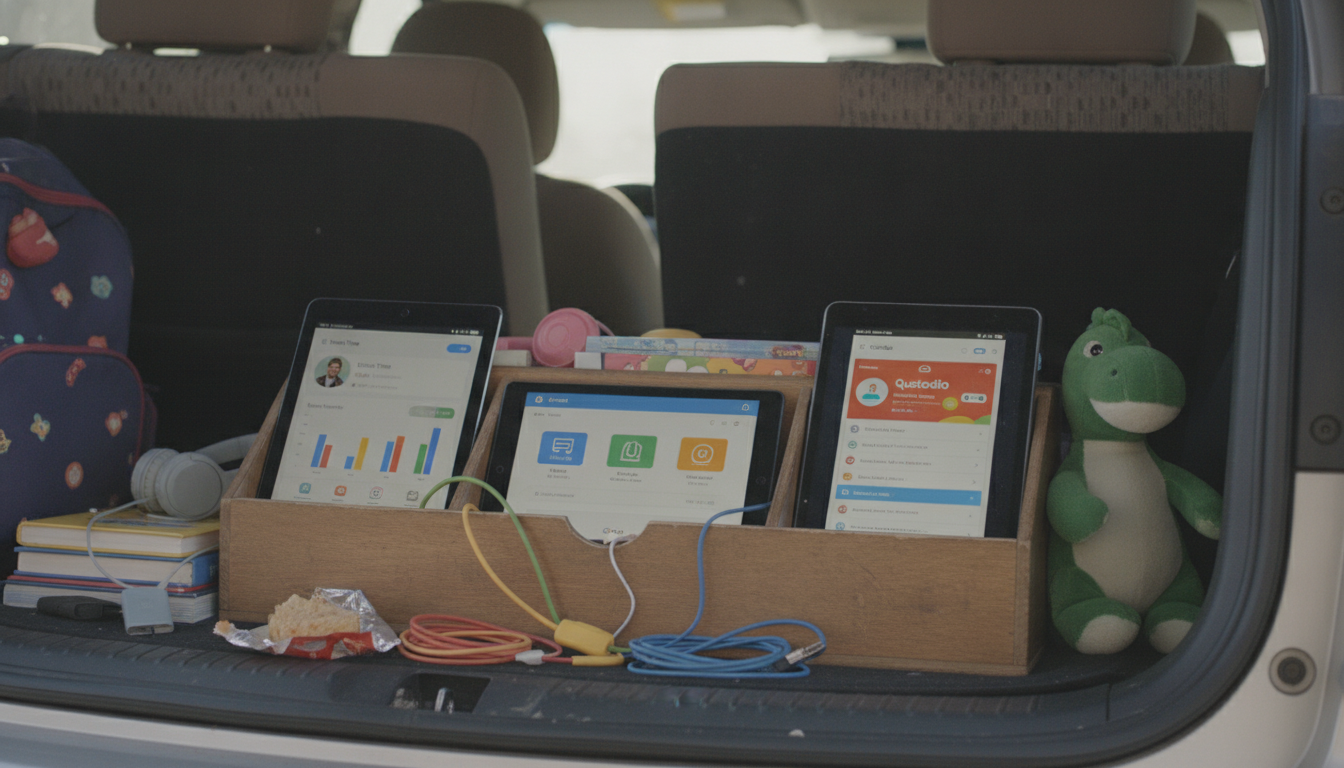
What is the best app for managing screen time for kids?
The best app for managing screen time for kids is the one that matches your child’s age, your household rules, and the devices your family uses. For many families, Apple Screen Time (built into iPhone and iPad) or Google Family Link (for Android and Chromebooks) is the strongest place to start because they’re free, reliable, and deeply integrated with the operating system.
If you need more advanced controls—especially across mixed devices or multiple kids—third-party parental control apps can offer stronger scheduling, app-level rules, and more detailed reporting. The “best” choice often comes down to whether you want simple daily limits, structured downtime routines, content filtering, or location and safety tools bundled in.
What to look for in a screen time app
Start with the basics: app and category limits, daily schedules (school nights vs. weekends), and a “downtime” mode that locks everything except approved apps. A good app should also let you approve new downloads, prevent in-app purchases, and provide clear activity reports that are easy to understand.
Compatibility matters just as much. If your child uses an iPad at home and a Chromebook at school, you’ll want a solution that can manage both without constant workarounds. Also consider how the app handles tamper resistance—kids are creative, so features like passcode protection and alerts for settings changes can save a lot of frustration.
Best pick depends on your family’s setup
For Apple-only households, Apple Screen Time is typically the most seamless option for setting downtime, communication limits, and app restrictions. For Android-focused families, Google Family Link is a practical default for app approvals, limits, and basic monitoring.
For families managing multiple platforms or wanting deeper features (like more flexible schedules or stronger web filtering), a dedicated parental control app may be worth it. For a full breakdown of top options and how to choose based on age and device type, see the main guide here: What is the best app for managing screen time for kids?
FAQ
How do I set screen time rules that my child will actually follow?
Keep rules simple, predictable, and tied to routines (homework, meals, bedtime). Use consistent schedules, give kids a heads-up before time ends, and reserve a small set of always-allowed apps (like calling family) to reduce power struggles.











Leave a comment